
Backup and Disaster Recovery Solutions
Automated, tested backups and a clear recovery plan, so your business keeps running through failures, cyberattacks, and disasters.
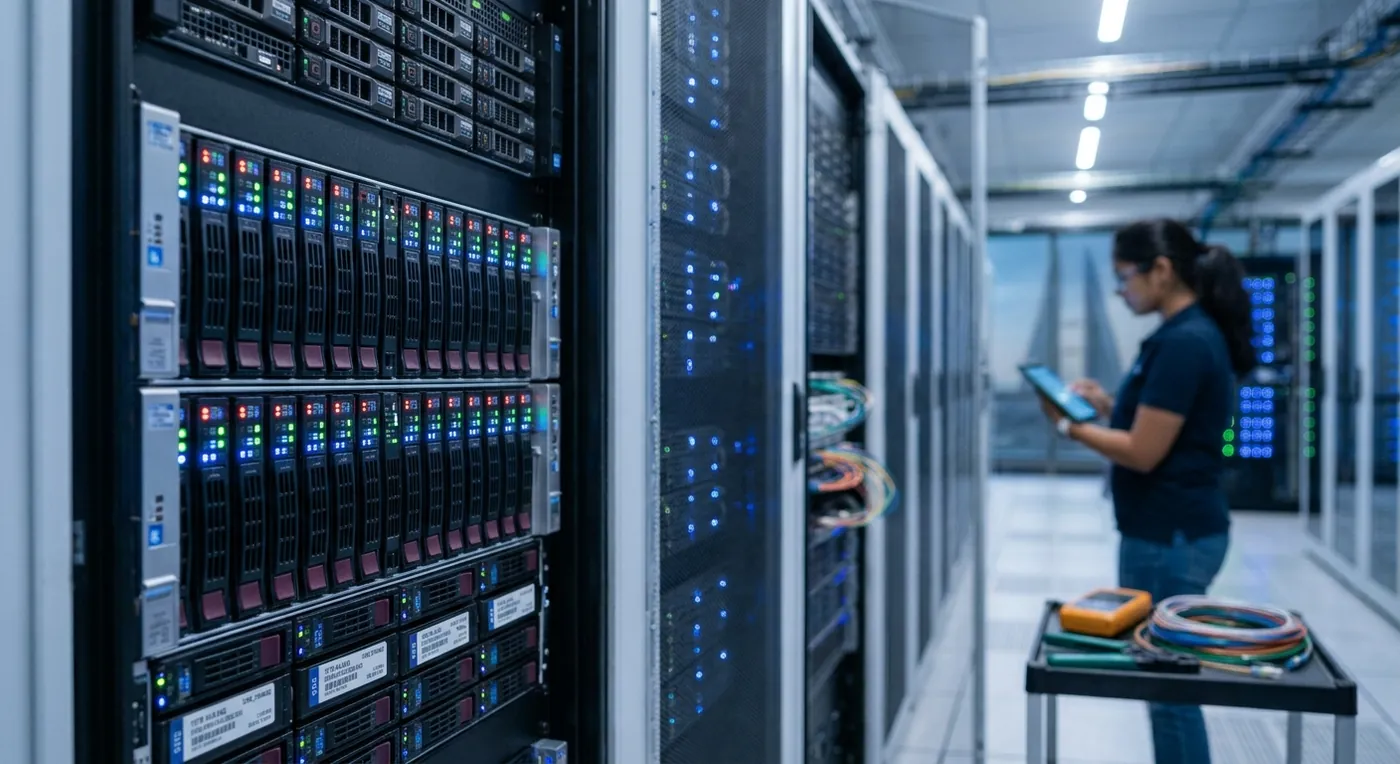
Data is one of the most valuable assets in any organization. Hardware fails, files get deleted, and ransomware can lock every system at once. Fiber Technologies provides backup and disaster recovery solutions that protect critical information and get you back to work quickly when something goes wrong.
We design backup strategies that cover servers, virtual machines, cloud services such as Microsoft 365, and end-user devices, with copies stored securely on-site and off-site. Backups run automatically, are monitored daily, and are restored in regular tests, so you know they will work when you need them.
For critical systems we build disaster recovery plans with defined recovery time and recovery point objectives, so everyone knows what will happen, who does what, and how quickly services will be back.
How we help
Automated backup
Scheduled backups of servers, virtual machines, databases, and files, monitored every day.
Microsoft 365 & cloud backup
Independent backups of email, OneDrive, SharePoint, and Teams data, beyond what the platform keeps by default.
Ransomware-resistant copies
Off-site and immutable backup copies that attackers cannot change or delete.
Disaster recovery planning
Documented recovery plans with clear recovery time (RTO) and recovery point (RPO) objectives for each system.
Failover & replication
Replication of critical systems to a secondary site or the cloud for fast recovery.
Restore testing
Regular test restores so you know your backups work before you need them.
From first conversation to ongoing support
Assess
Identify critical systems, data, and acceptable downtime.
Design
Set backup schedules, storage locations, and recovery targets.
Implement
Deploy, automate, and monitor backups.
Test
Run regular restore tests and update the plan.
Common questions
Isn't Microsoft 365 already backed up?
Microsoft keeps your service running, but its retention of deleted items is limited. An independent backup protects you against deletion, corruption, and ransomware.
How often should we back up?
It depends on how much data you can afford to lose. Critical systems are often backed up several times a day; we agree targets with you.
How do we know backups will work?
We monitor backups daily and run scheduled test restores, and we report the results to you.
What is the difference between backup and disaster recovery?
Backup keeps copies of your data. Disaster recovery is the plan and technology to restore full systems and services quickly after a major incident.

Are you ready to accelerate your business?
Contact us today to schedule an initial consultation and learn how we can customize our products and services to meet your needs.